
Vault Music Locker
Your library, versions, stems, Studio and releases.
Coming soonThe first public version is on its way.
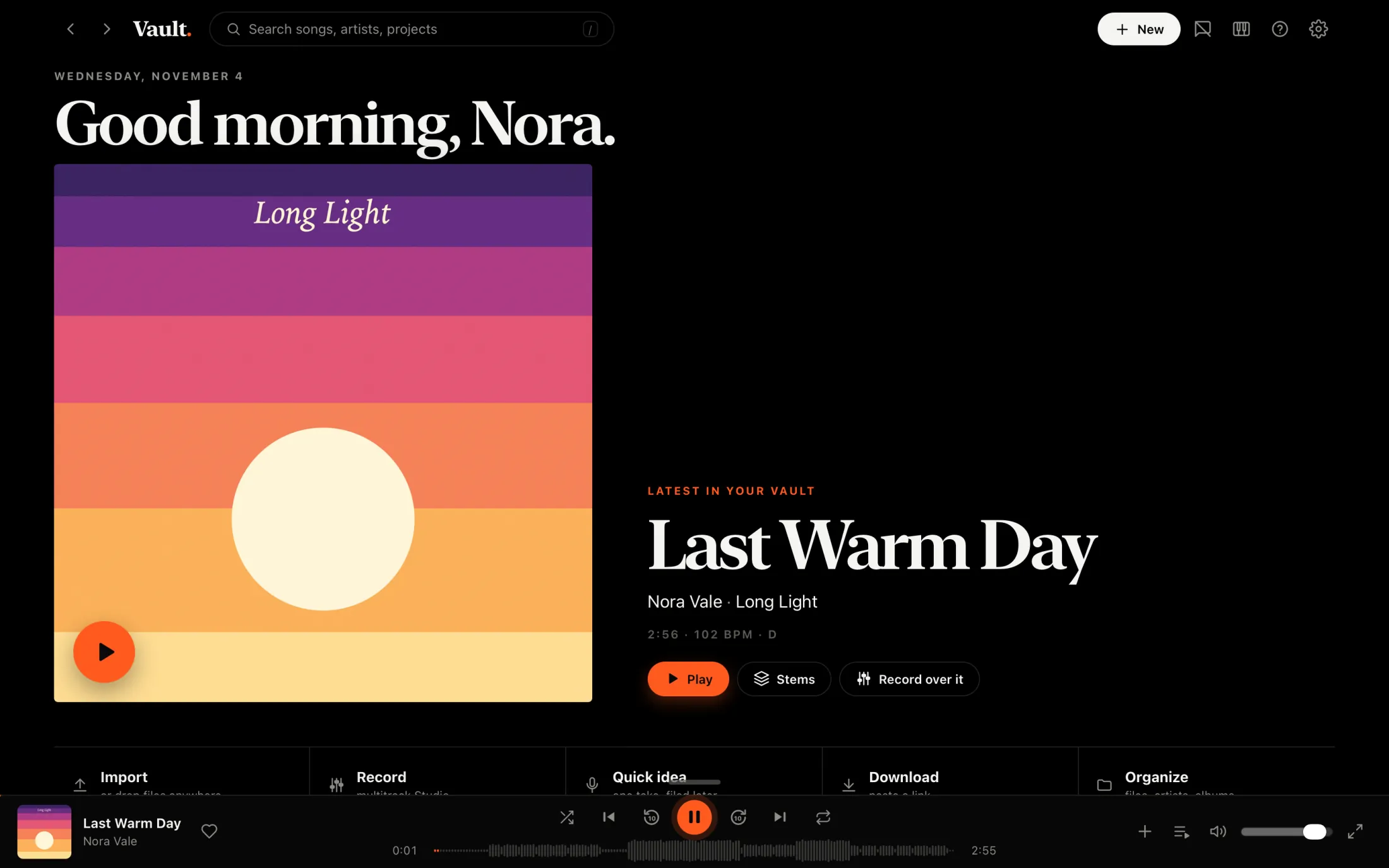
One place on your Mac for the songs you own, the ones you’re making and the ones you’re still finishing.
The first public version is on its way.
Vault Music Locker is a Mac app. Open this page on your Mac to download it.
Versions
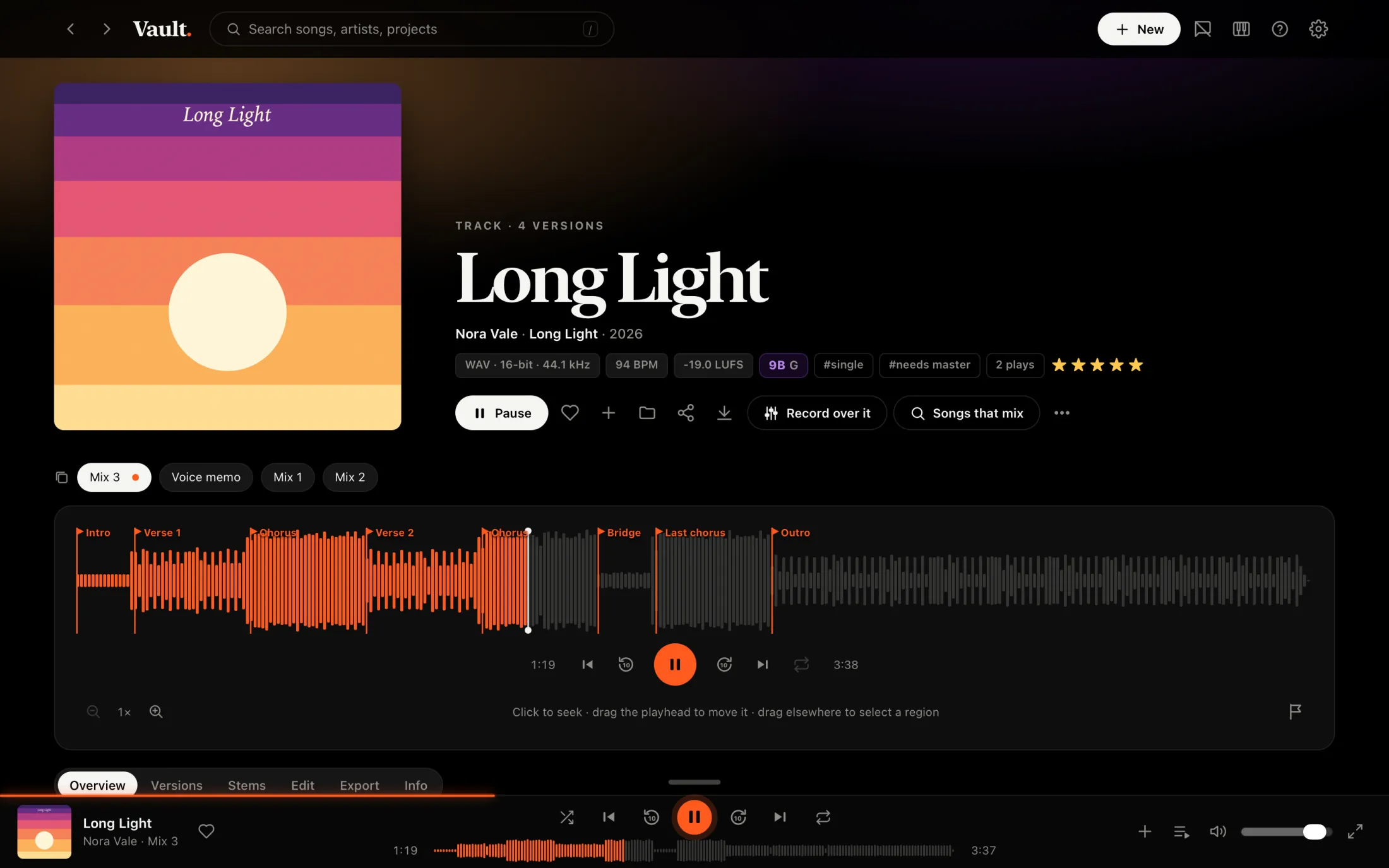
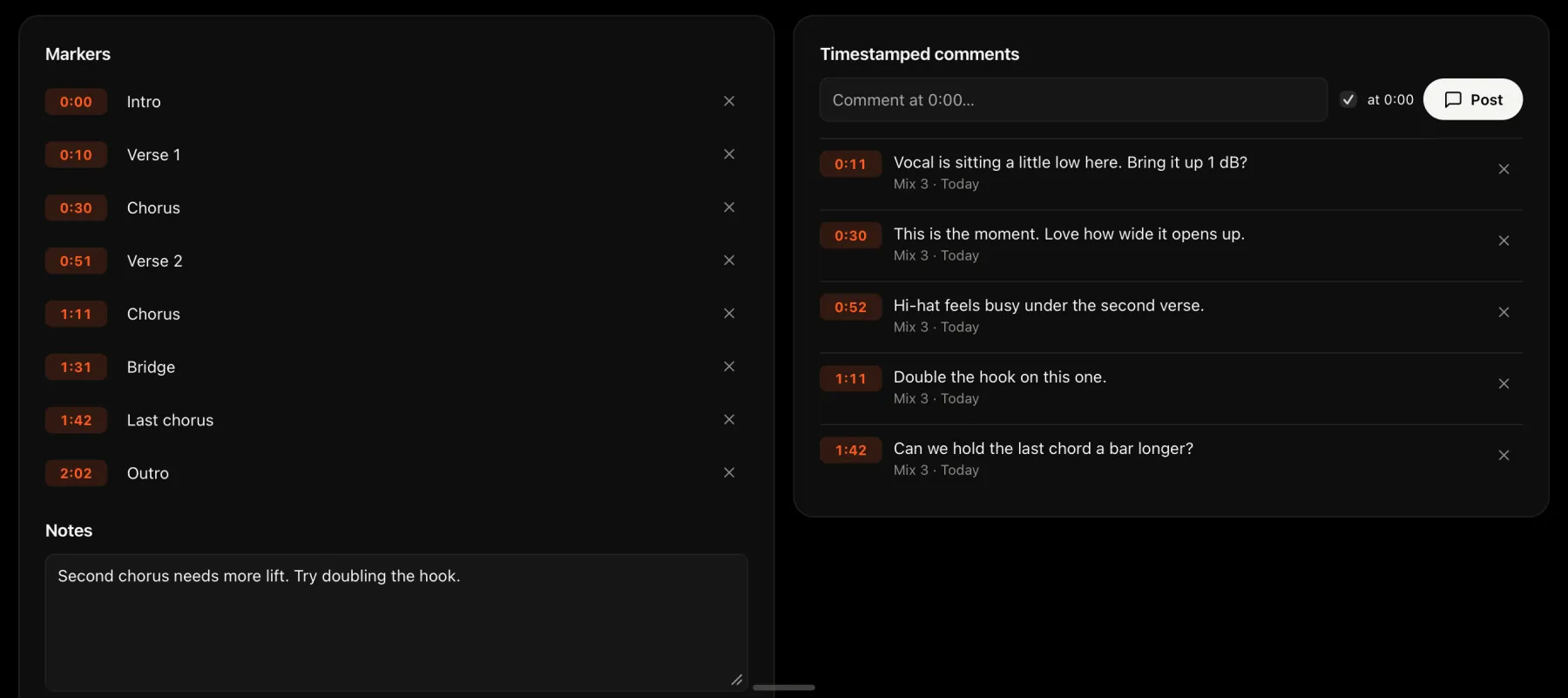
Keep the voice memo, the rough mix and the master on one song, and compare them side by side. Mark the sections on the waveform and pin notes to the exact second they’re about.
Stems
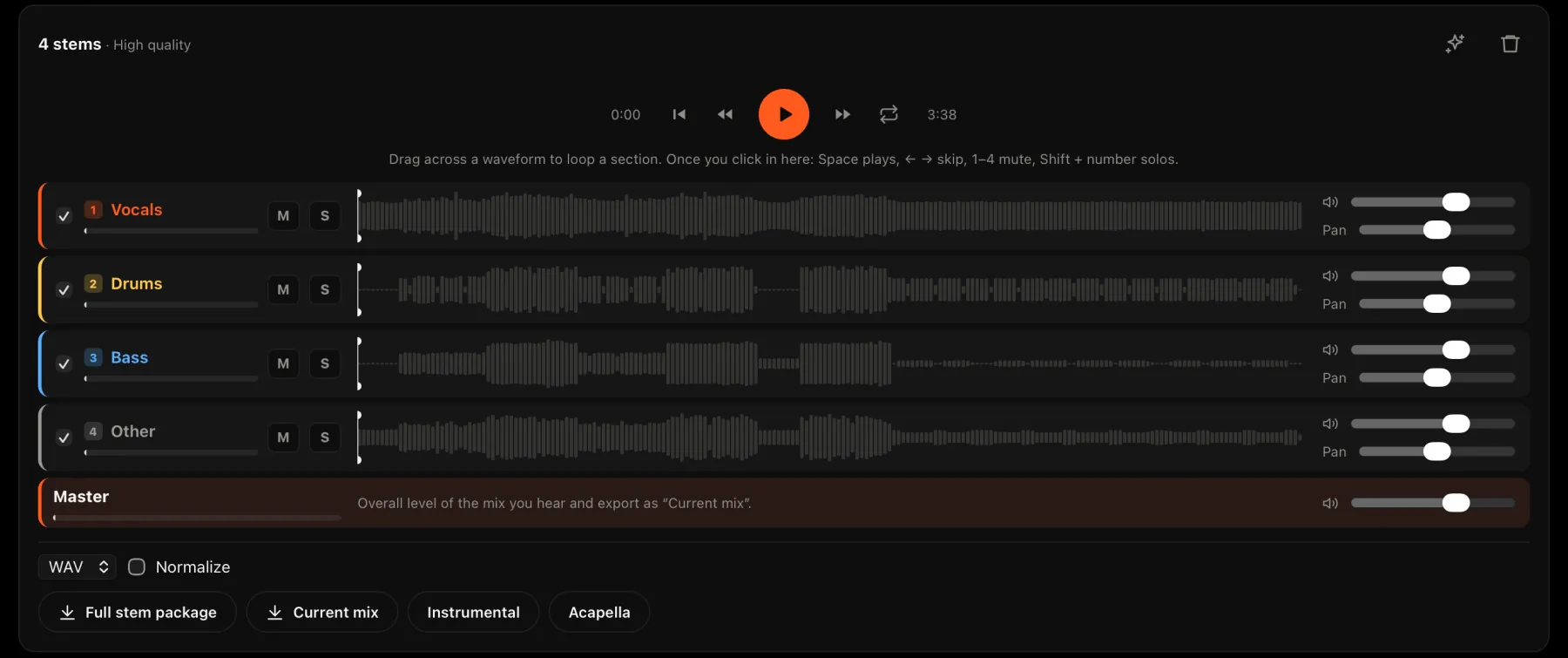
Split a song into 2, 4 or 6 stems right on your Mac. Mute, solo and pan them, loop a section, then export the whole package, an instrumental or an acapella.
Studio
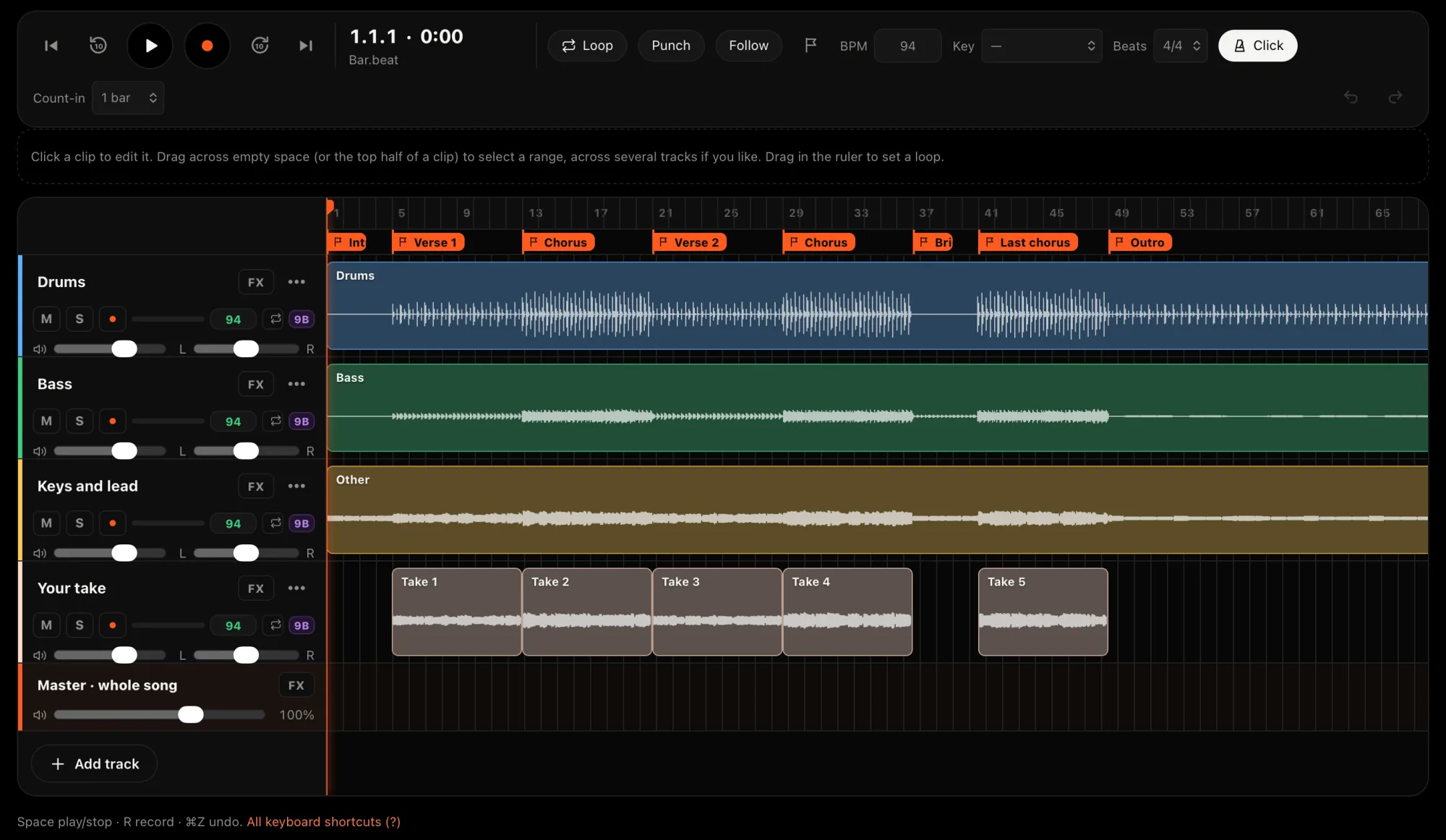
A multitrack Studio with takes and comping, punch-in, built-in effects, instruments and a piano roll. Bring in any song or its stems, match it to your session’s tempo and key, then mix down into your library or export the tracks to your DAW.
Files
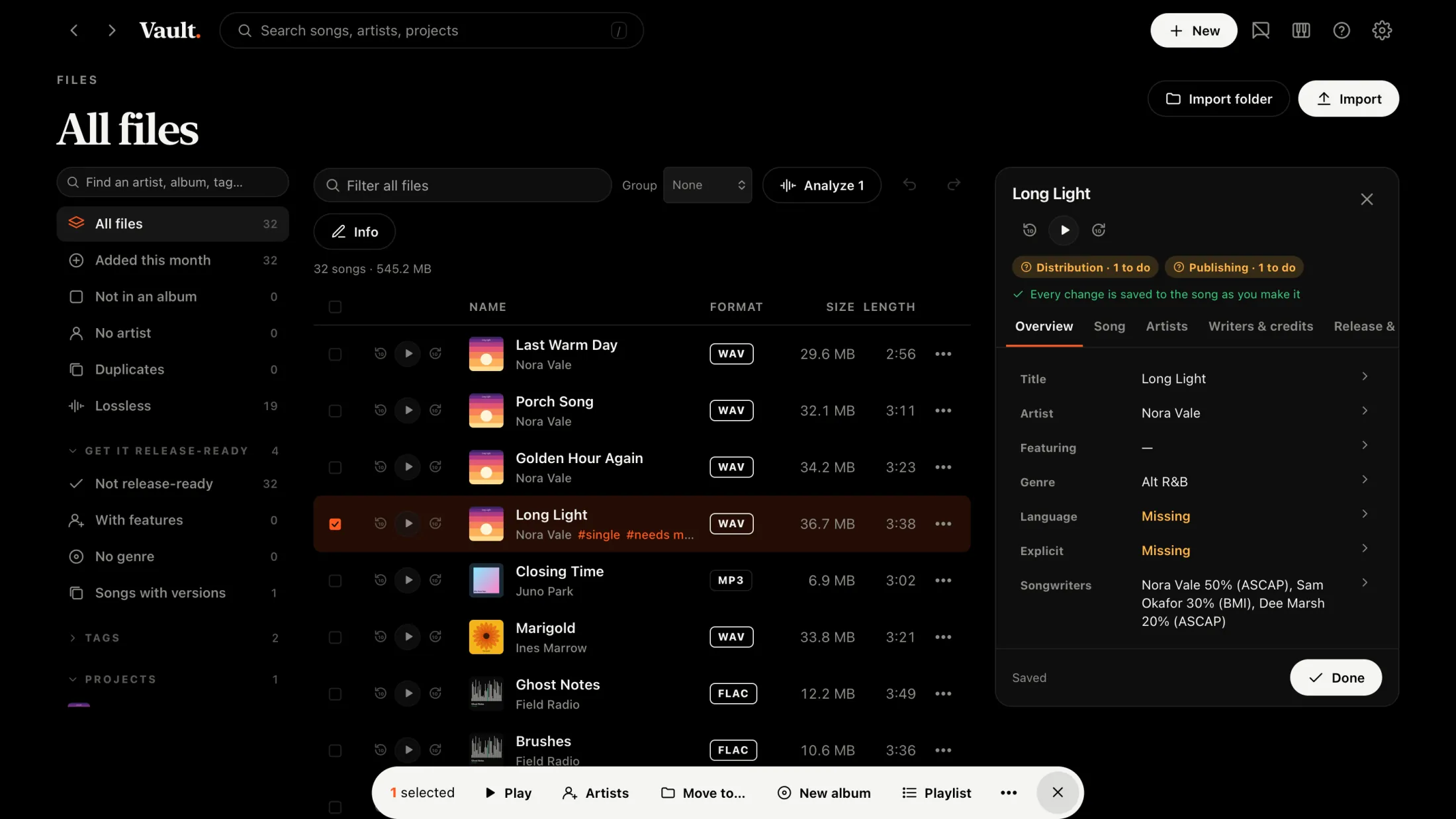
See every file’s format, quality and size, and drag songs onto albums and projects. The app shows what’s still missing before a release goes to your distributor, from songwriters and codes to language and explicit tags, and makes the split sheet everyone signs.
Turns your songs into one continuous, beat-matched mix.
Every song gets its BPM and key, and the app finds the songs that mix with it.
Capture a thought in one take and file it later.
Playlists that fill themselves from rules like tempo, key and tags.
Share a song or album with people on your Wi-Fi, with an optional password and expiry.
Four audio-reactive scenes, an output window for a second screen, and OSC for live visuals.
Quiver
 Quiver
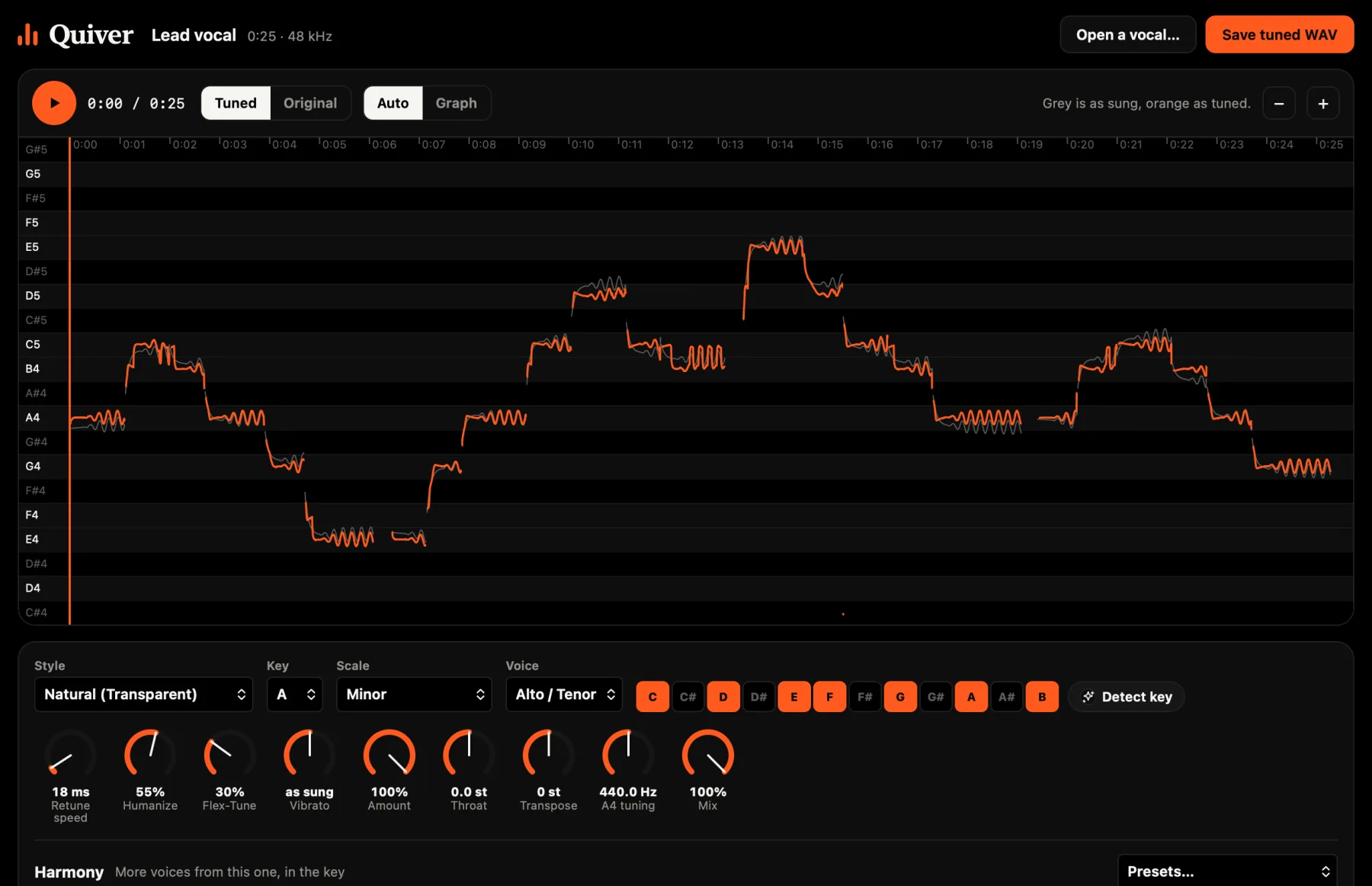
Just the vocal tuner, in a small app of its own. Open a vocal and tune it automatically, or drag it note by note. Add harmonies, compare with the original, and save a WAV. It needs no internet and no account, and your audio stays on your computer.
The first public version is on its way.
iPhone
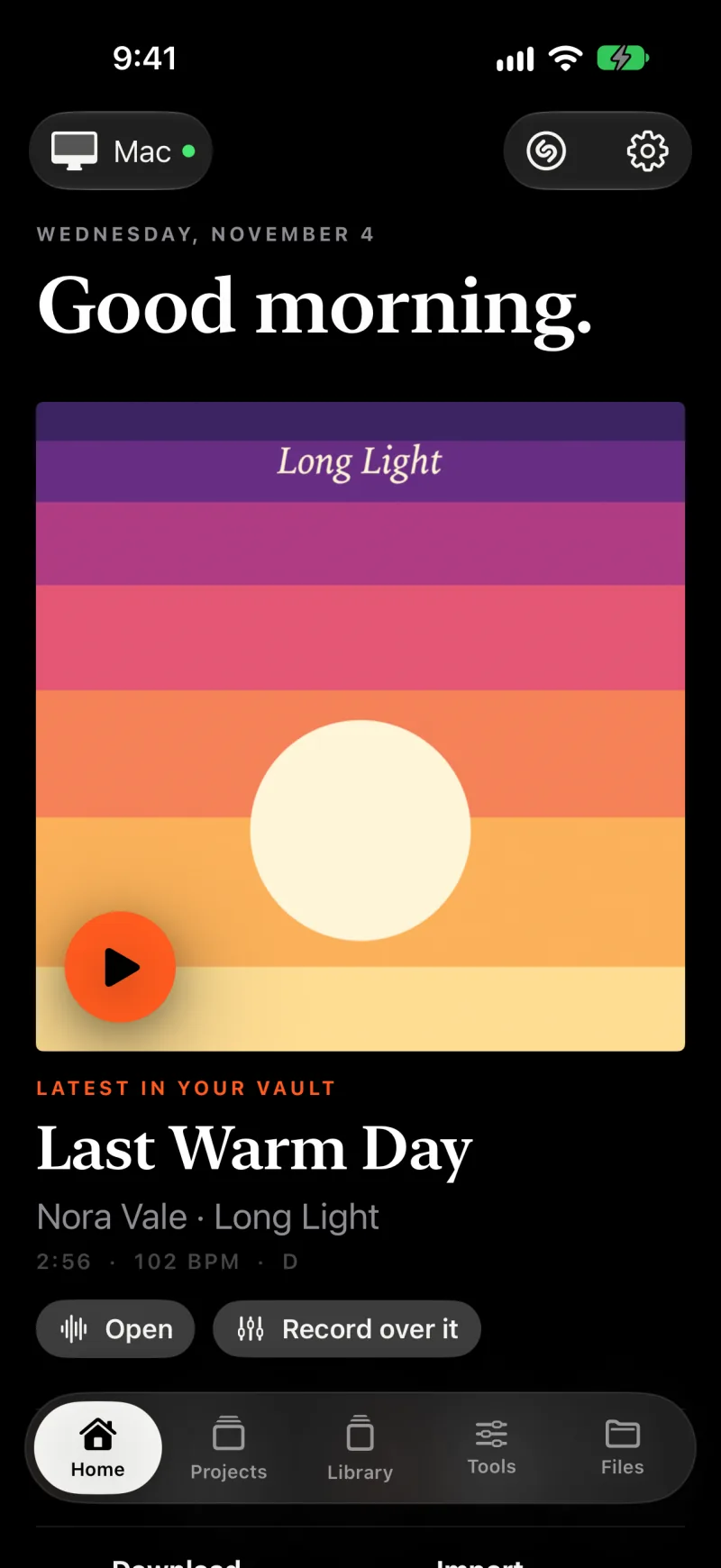
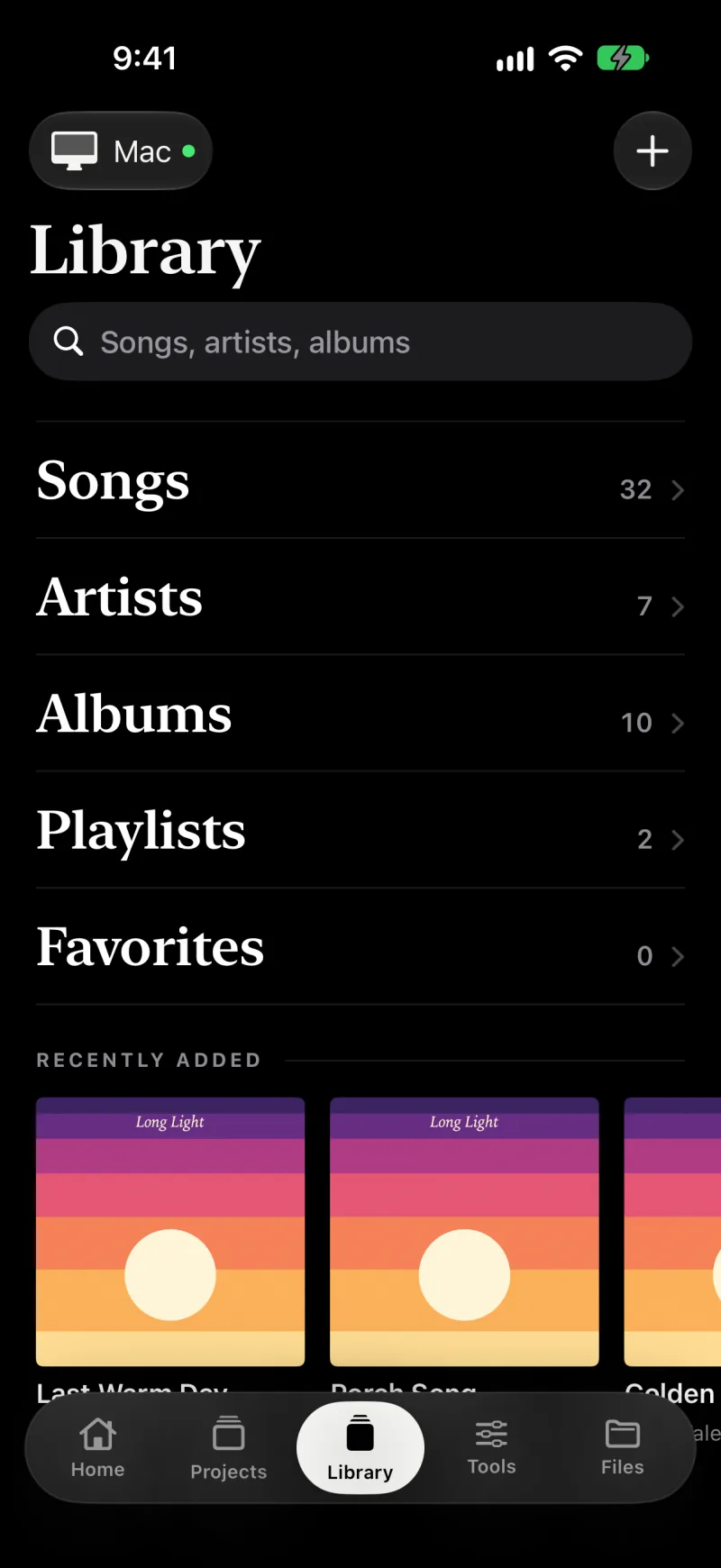
The iPhone app keeps your songs on the phone, so they play with the Mac off, and sends files back and forth with your Mac. It’s in testing on TestFlight, by invitation for now.
Your library, versions, stems, Studio and releases.
Coming soonThe first public version is on its way.
The vocal tuner on its own.
Coming soonThe first public version is on its way.